Hearing Aid Sound Amplifier · Android
Hearing help for Android phones and tablets, with an equalizer for each ear that AI tunes to you.
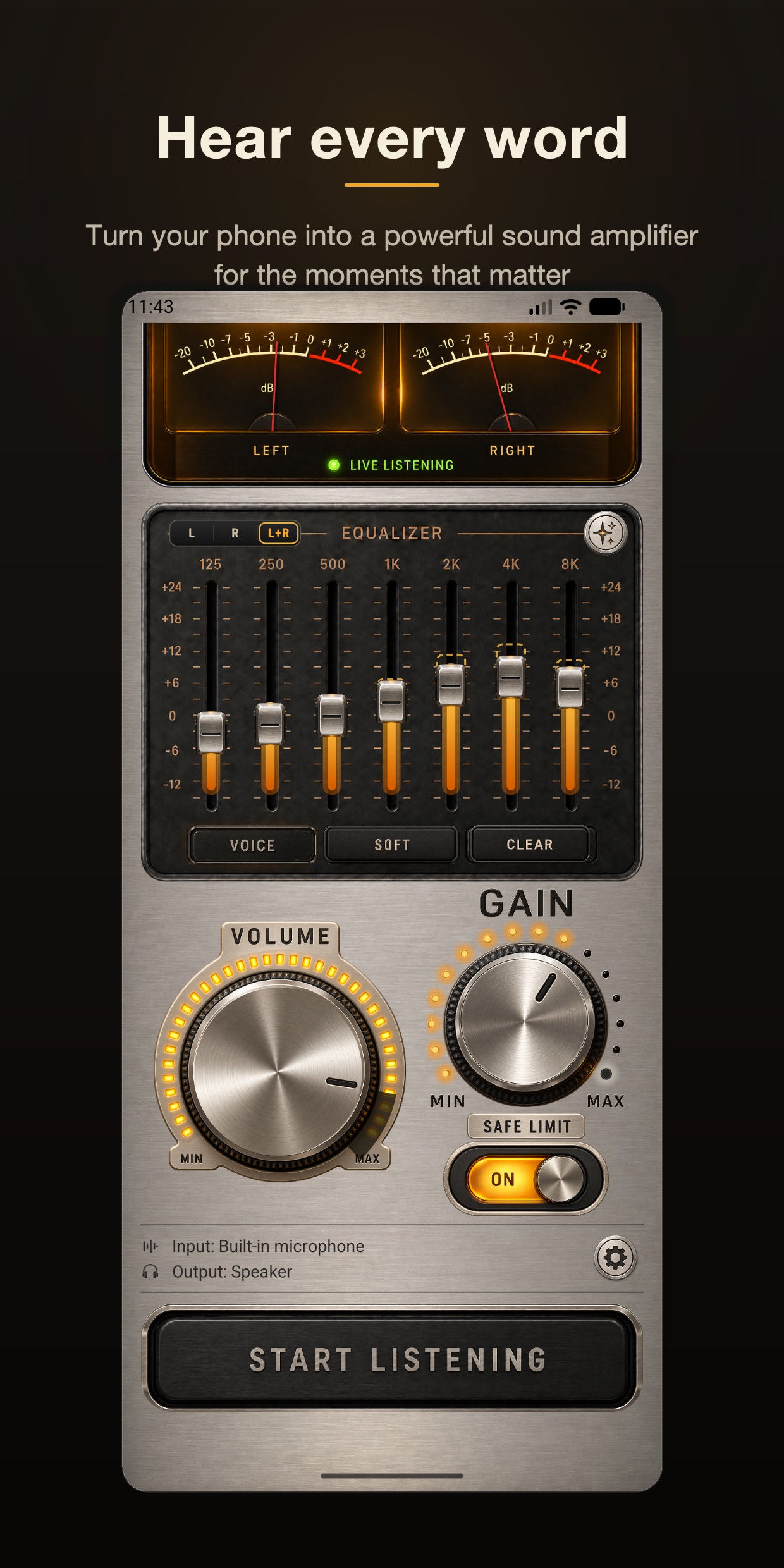
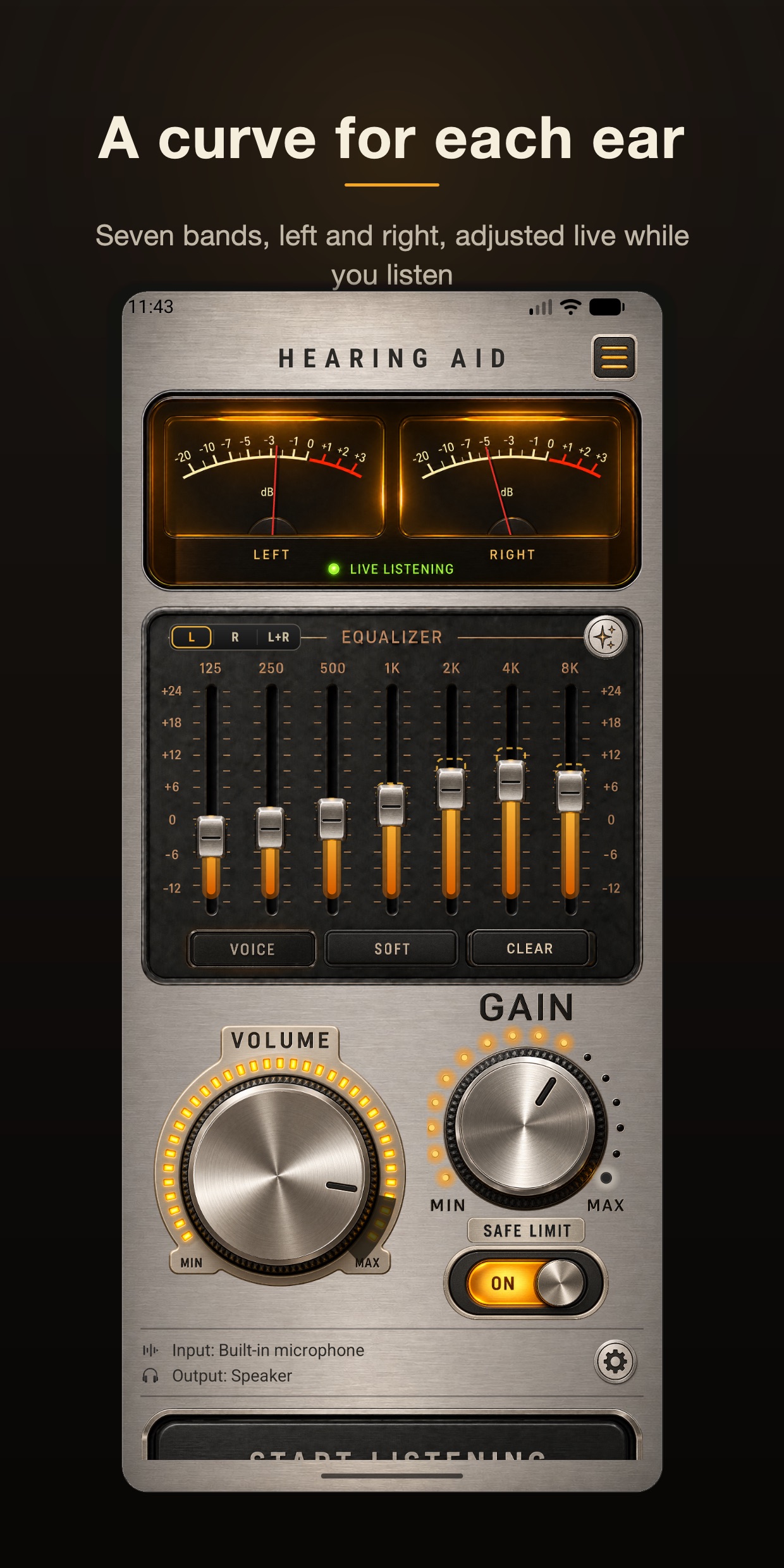
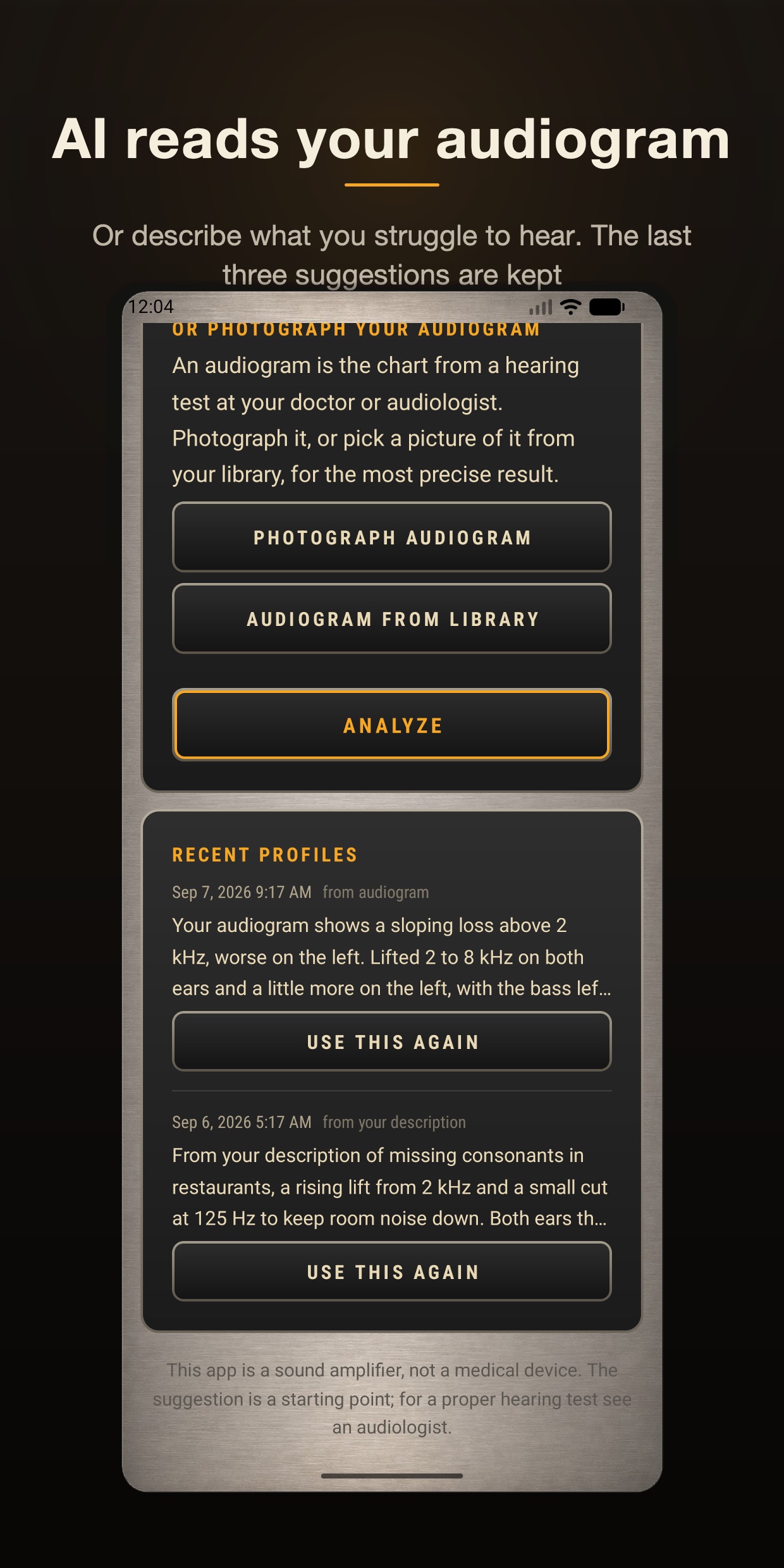
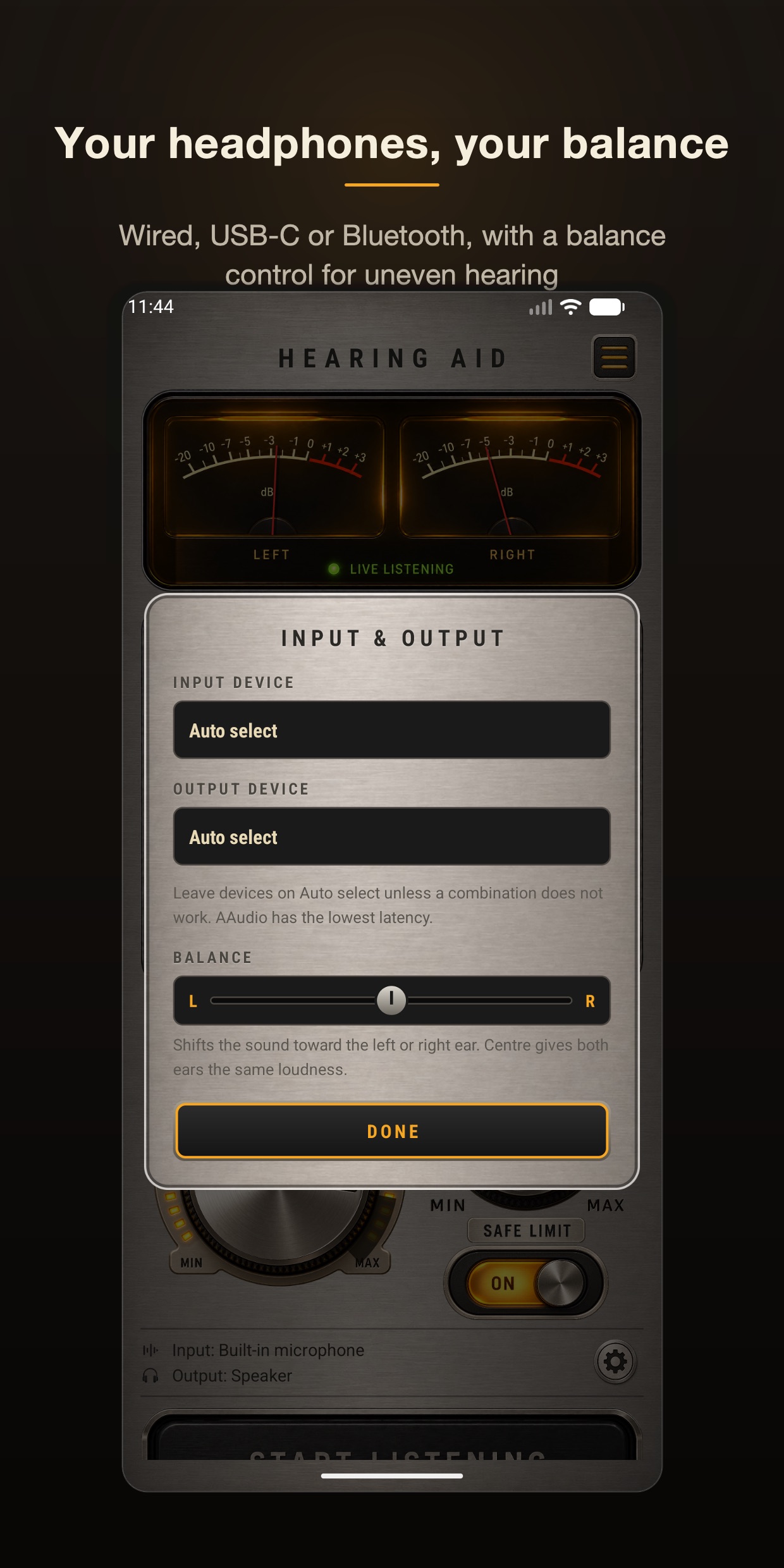
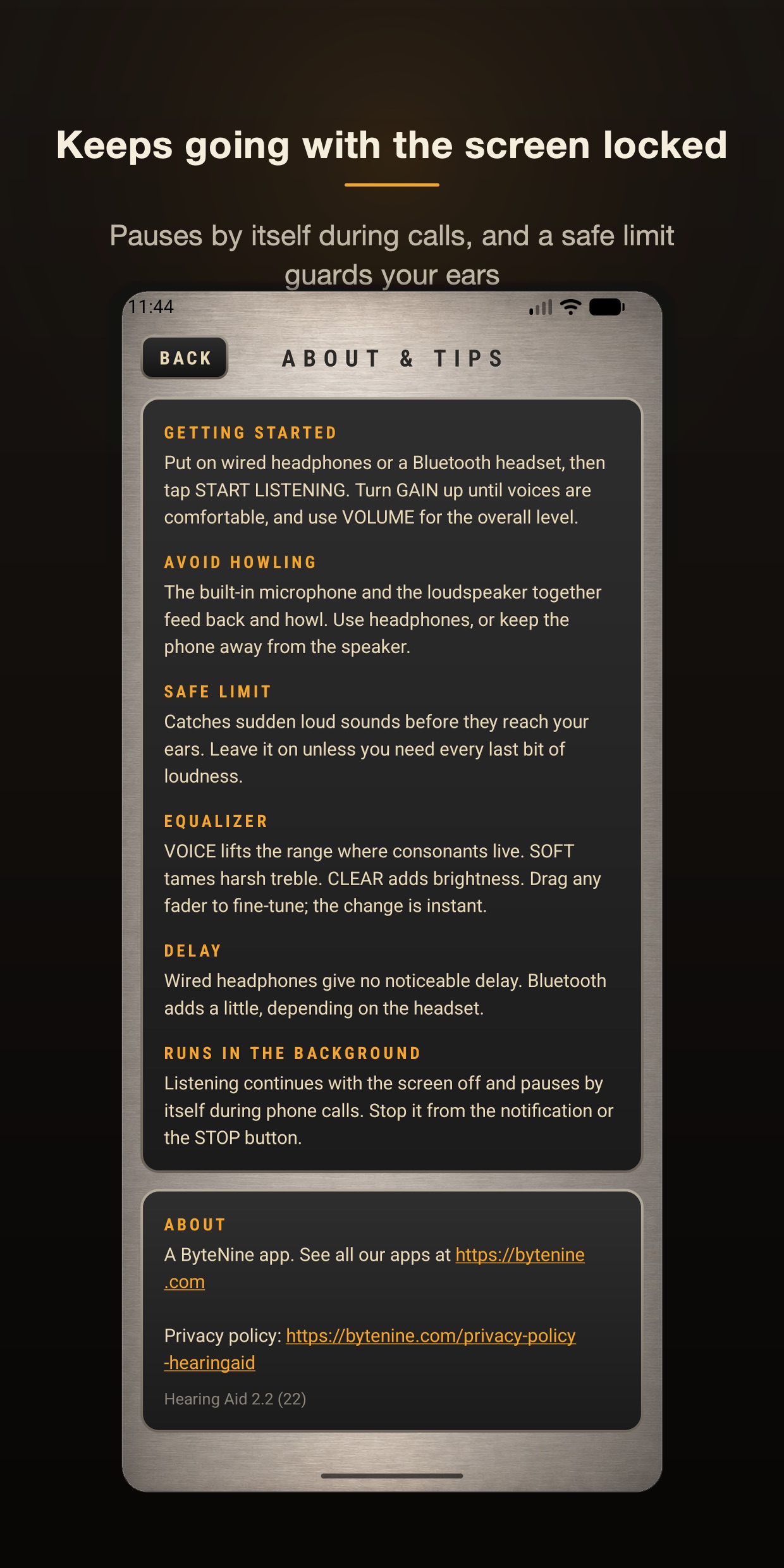
Hearing Aid Sound Amplifier turns your Android phone or tablet into a sound amplifier for the moments when hearing is hard work: a conversation across the table, the television at a sensible volume, a lecture from the back of the room. Put on headphones, press Start Listening, and the microphone is amplified straight into your ears — up to 40 dB, through a seven-band equalizer with a separate curve for each ear and a balance control. Photograph the audiogram from your audiologist, or describe in your own words what you find hard to hear, and the AI hearing profile sets the equalizer for you. It keeps amplifying with the screen locked, pauses during phone calls, works with wired headphones, USB-C headsets and Bluetooth, and a safe limit catches sudden loud sounds. Free to download with ads; an optional purchase removes them. A sound amplifier, not a medical device. On iPhone and iPad, see Hearing Aid AI Sound Amplifier.
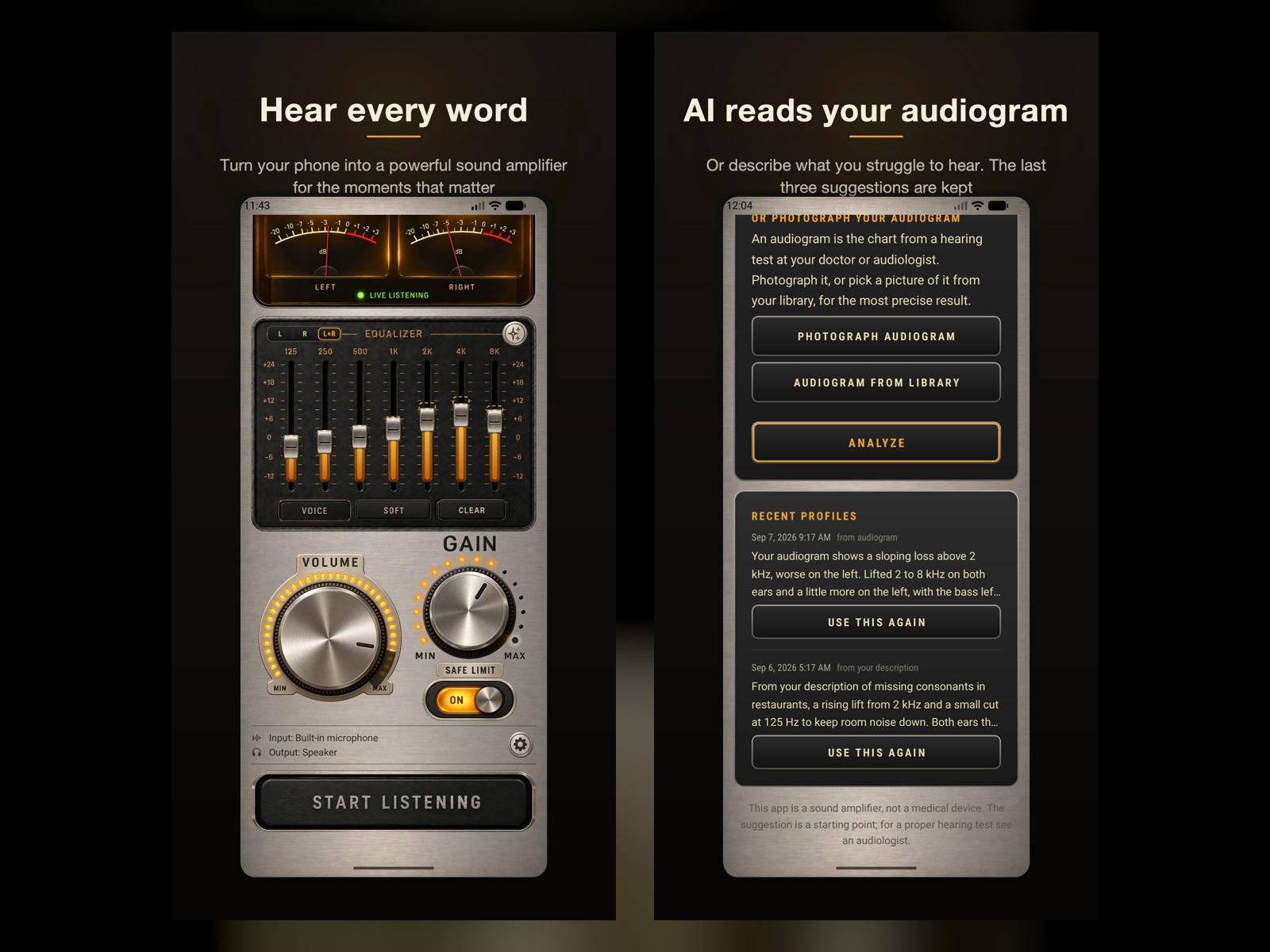
A closer look
Hearing Aid Sound Amplifier · Android in use, screen by screen.
Community
Help shape Hearing Aid Sound Amplifier · Android
Suggest features, report bugs, upvote what matters. Members shape every byteNine release.
Loading…