← All apps
Available nowiOS

PadMonitor: HDMI Monitor

Your console on your iPad — with a live AI commentator.

Plug a USB-C capture card into your iPad and PadMonitor turns it into a sharp, low-latency monitor for anything with HDMI out — a Switch, a PlayStation, a camera, a laptop. Then switch on the thing no other capture app has: a live AI commentator that watches your gameplay and reacts out loud, in eight personas from over-the-top esports Hype to a lovingly brutal Roast. Add Metal-rendered 120 Hz picture, audio passthrough that stays locked to your capture card, recording with synced sound, retro CRT filters and pro scopes (focus peaking, false colour, zebras). Free as a monitor; one-time Pro unlock, no subscription. iPadOS 26+.
A Nintendo Switch running on an iPad Pro through an Elgato capture card, with the AI commentator speaking

Demo

See PadMonitor: HDMI Monitor in action

A closer look

PadMonitor in use, screen by screen.
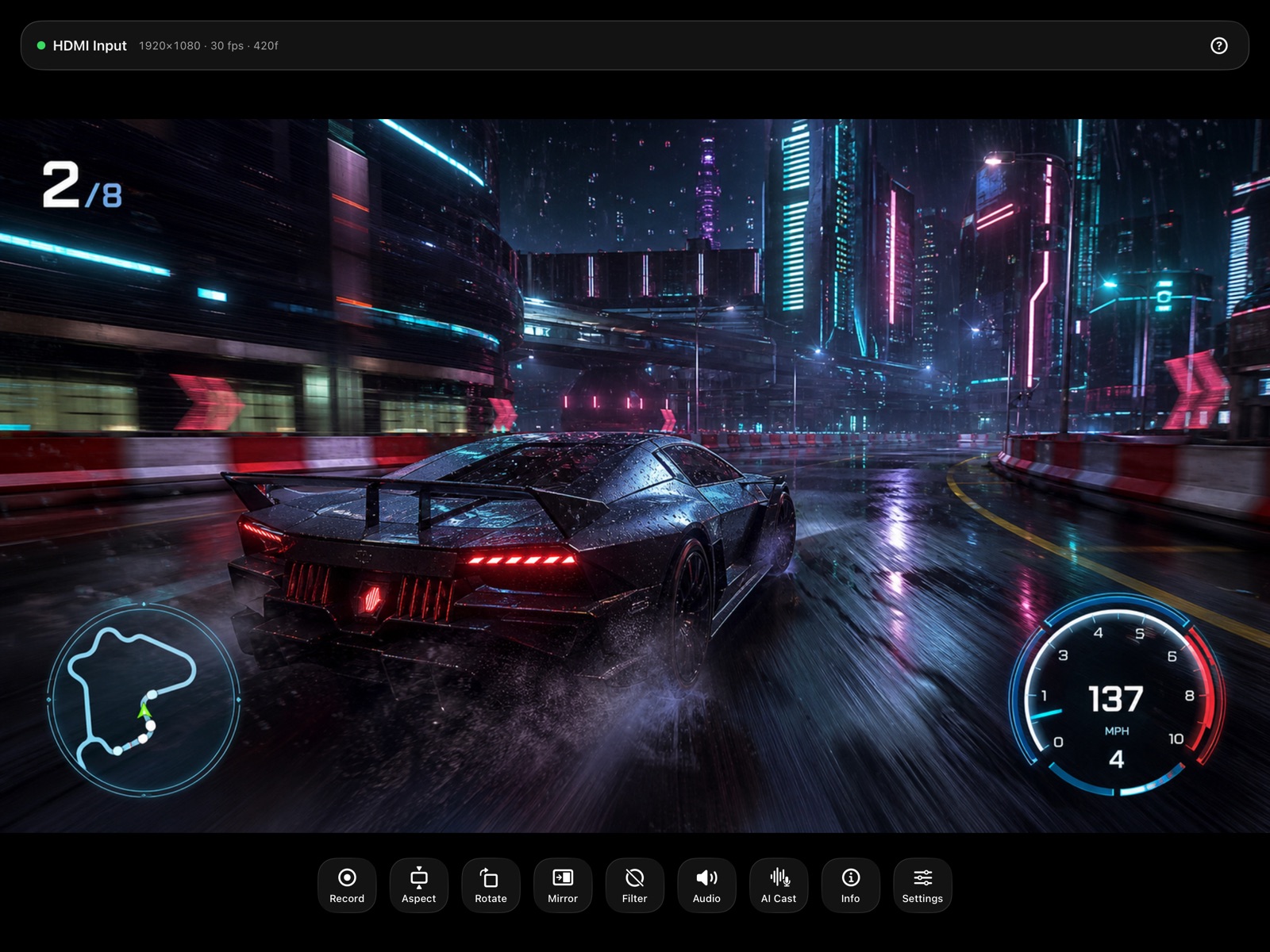
PadMonitor showing a racing game full screen with the glass control bar
Your source, full screen. Metal-rendered at up to 120 Hz, with every control one tap away.
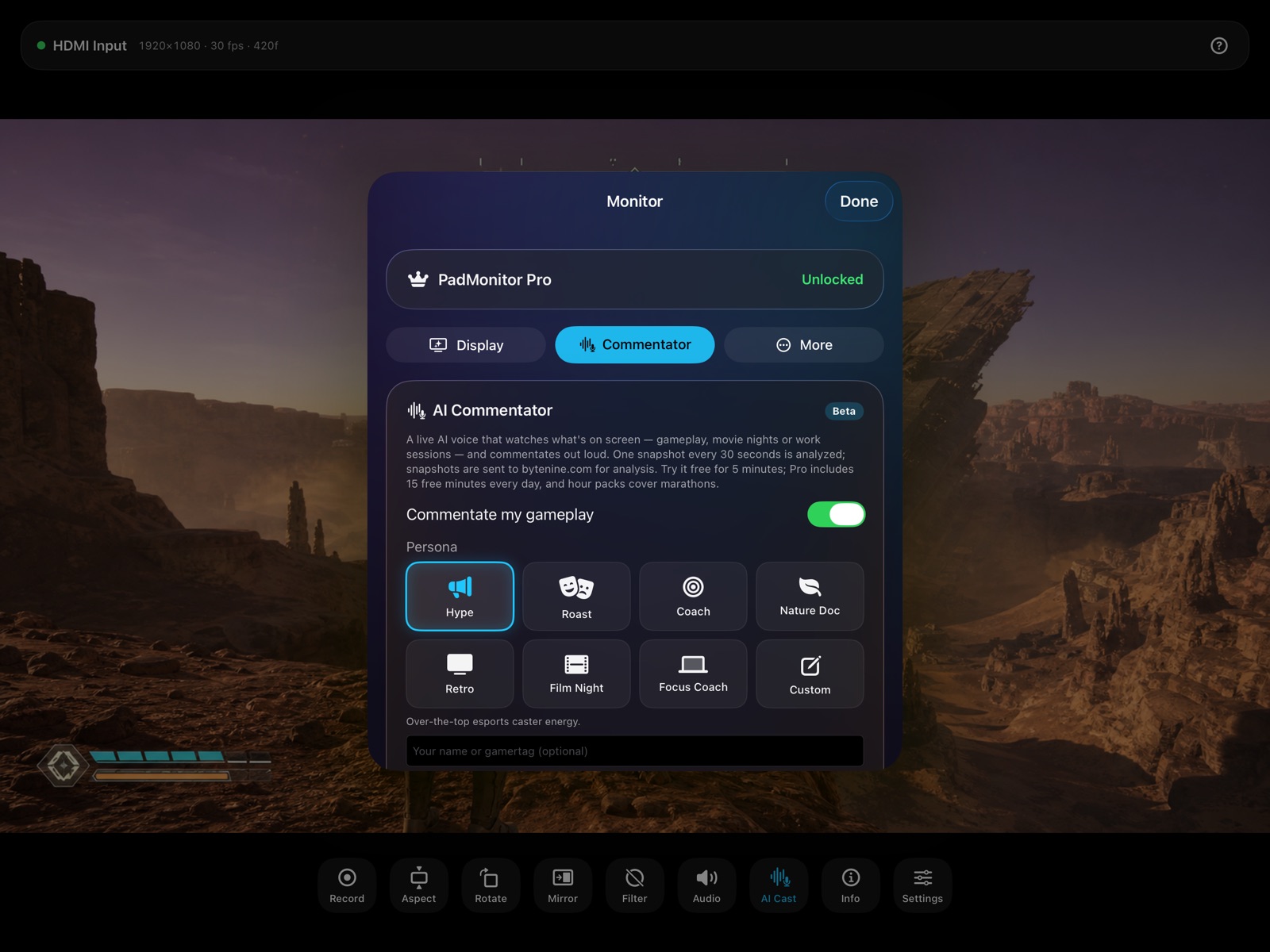
The AI Commentator settings tab with eight persona tiles
Eight commentator personas — Hype, Roast, Coach, Nature Documentary, Retro, Film Night, Focus Coach, or write your own.
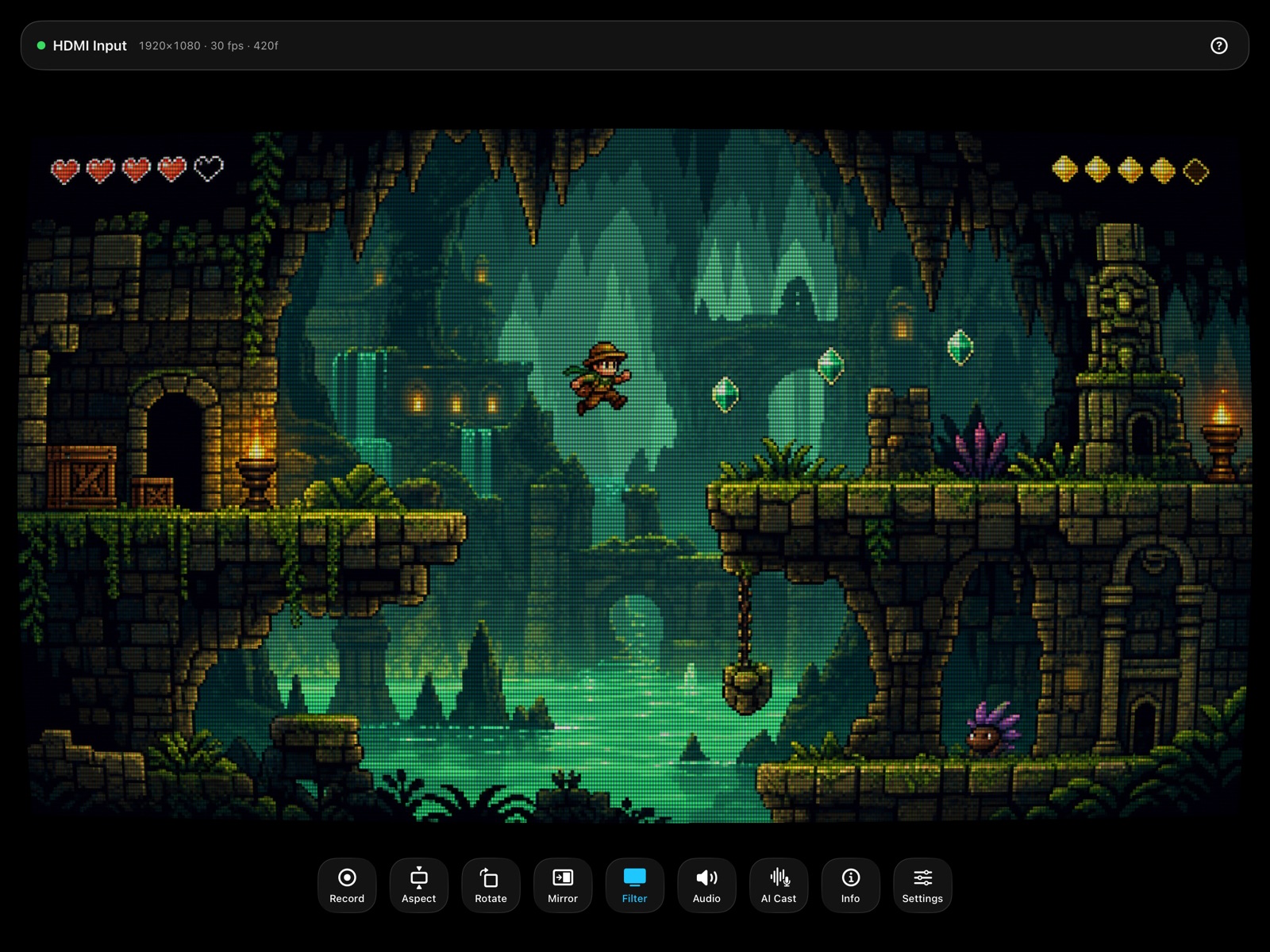
A pixel-art platformer rendered through the CRT filter
Retro filters: CRT, scanlines and sharp pixel scaling for the authentic console look.
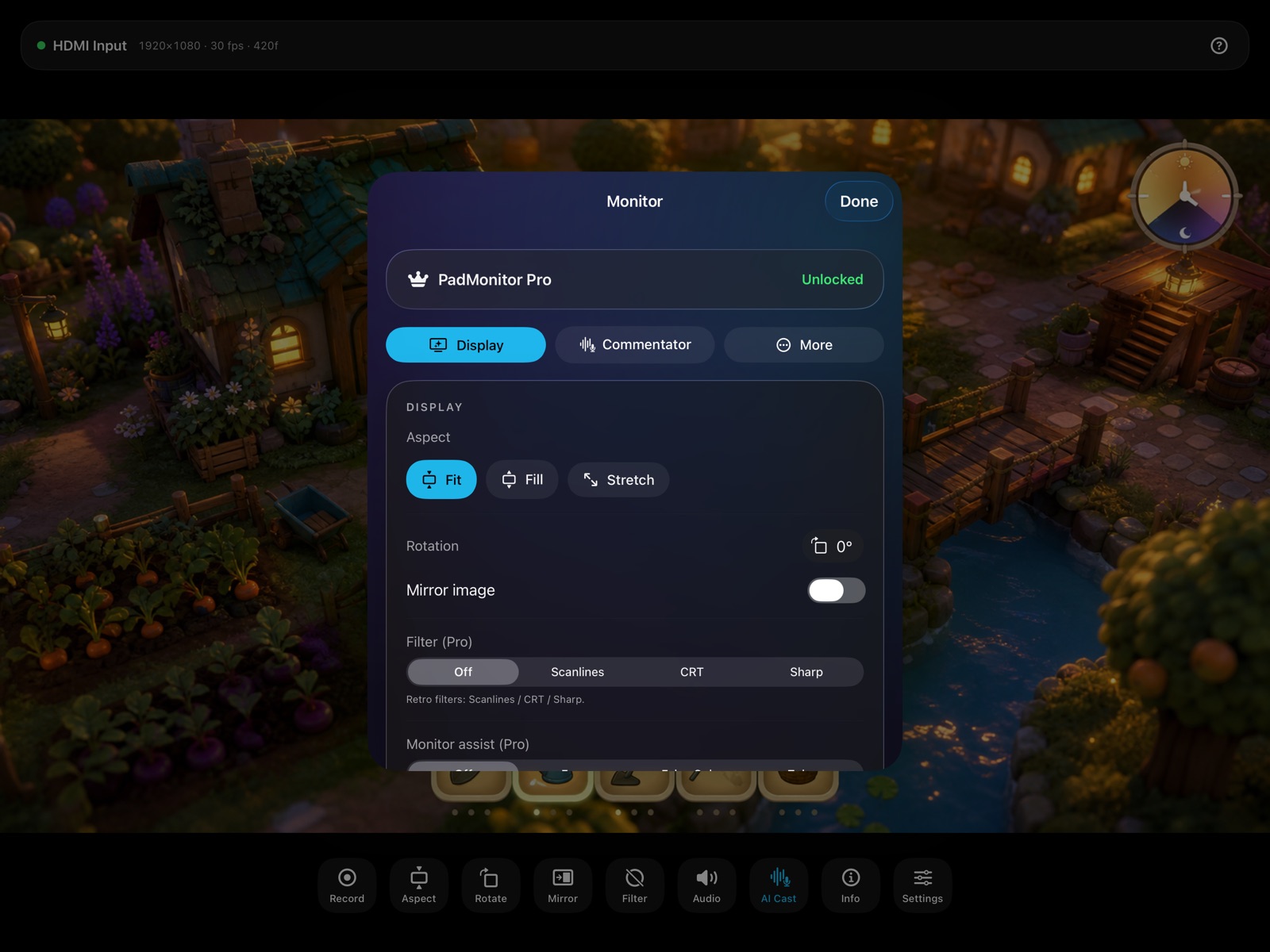
Display settings with fit, fill and stretch, rotation and mirroring
Fit, fill or stretch — plus rotation, mirroring and independent overscan crop. Framed your way, never distorted.
A sci-fi game filling the whole iPad screen with no interface visible
Controls fade away on their own. Nothing between you and the picture.
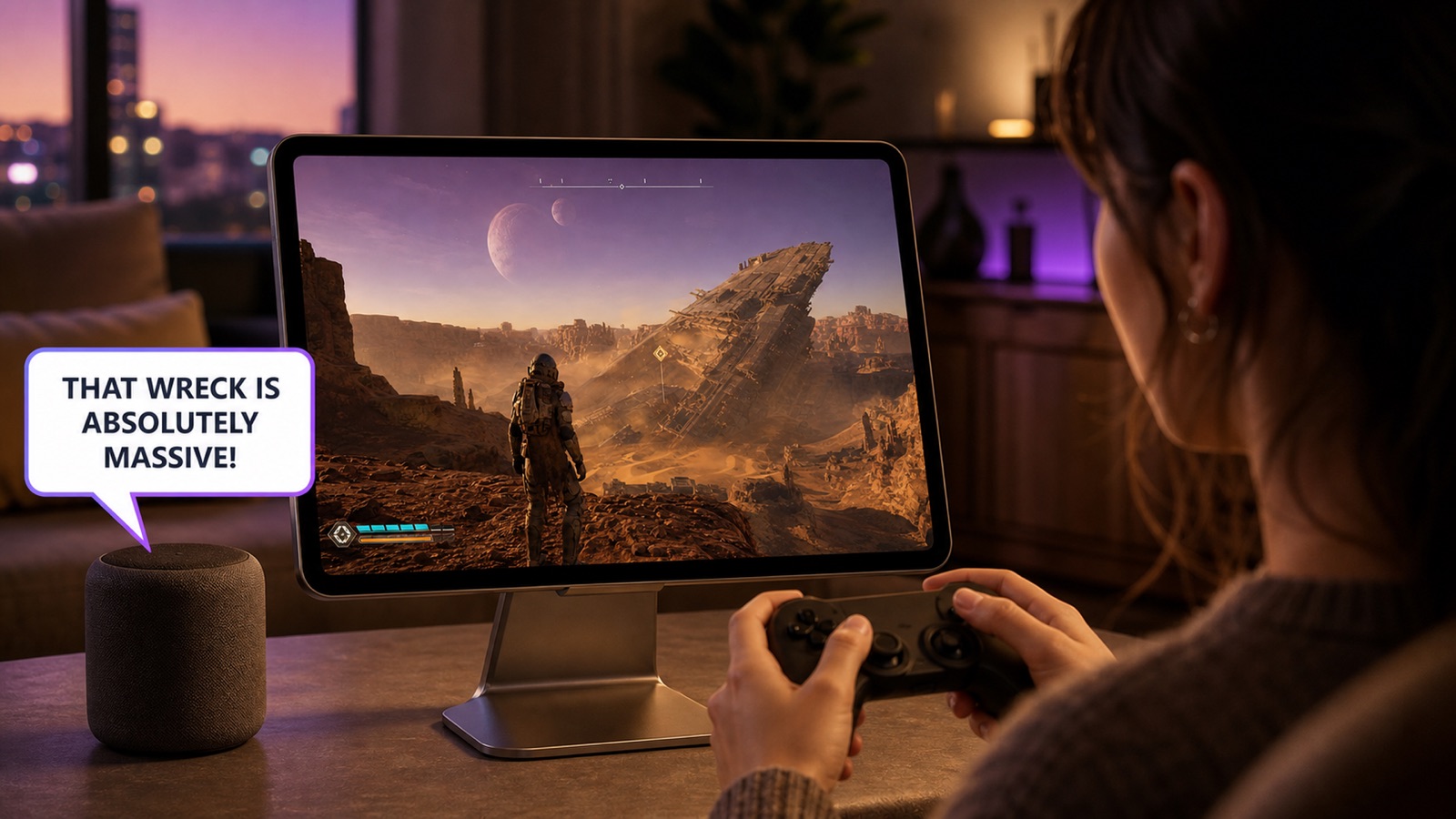
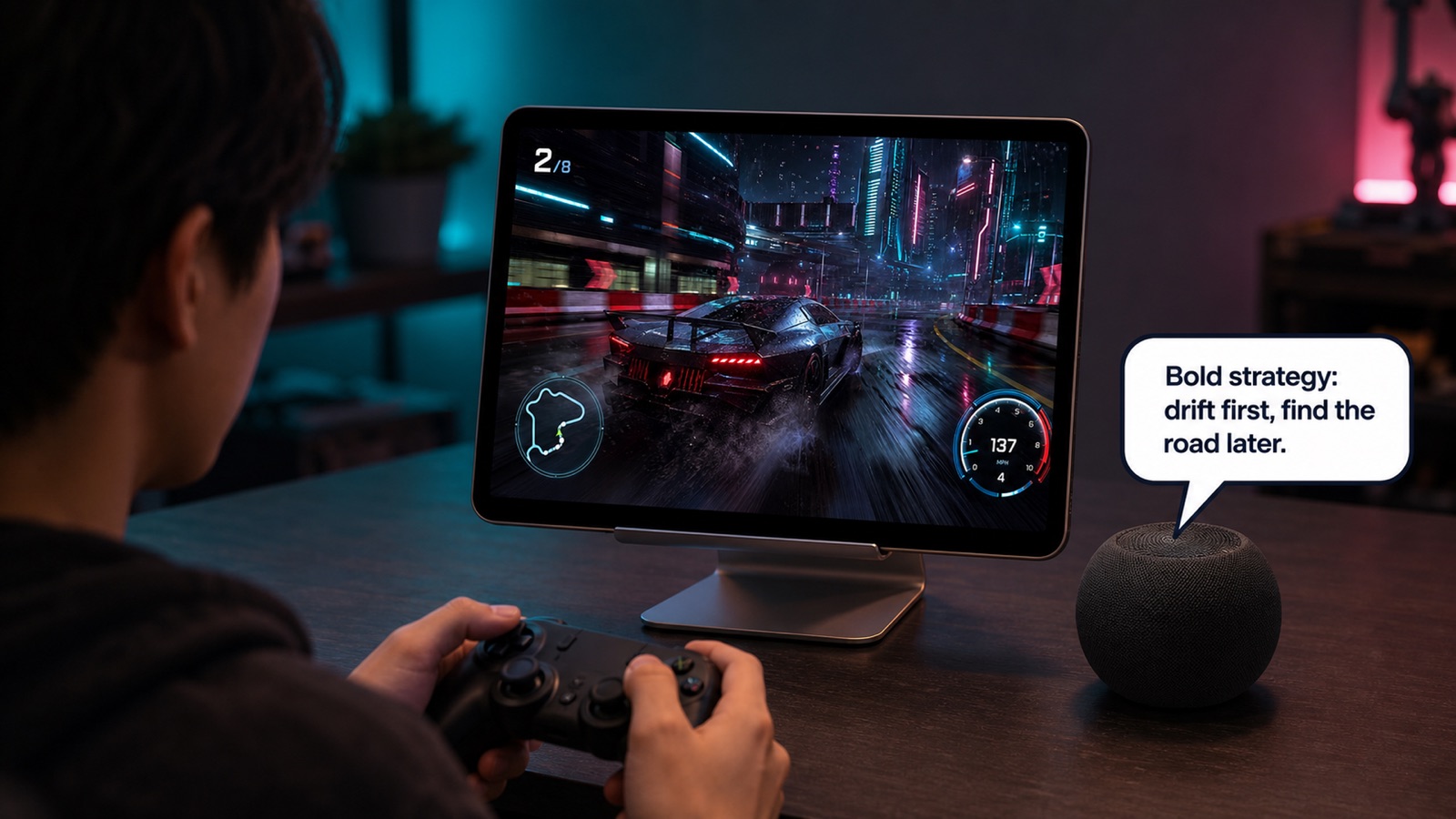
Someone playing on an iPad with the AI commentator reacting through a speaker
The caster talks over your session and ducks under itself, broadcast-style, so you never miss the game audio.
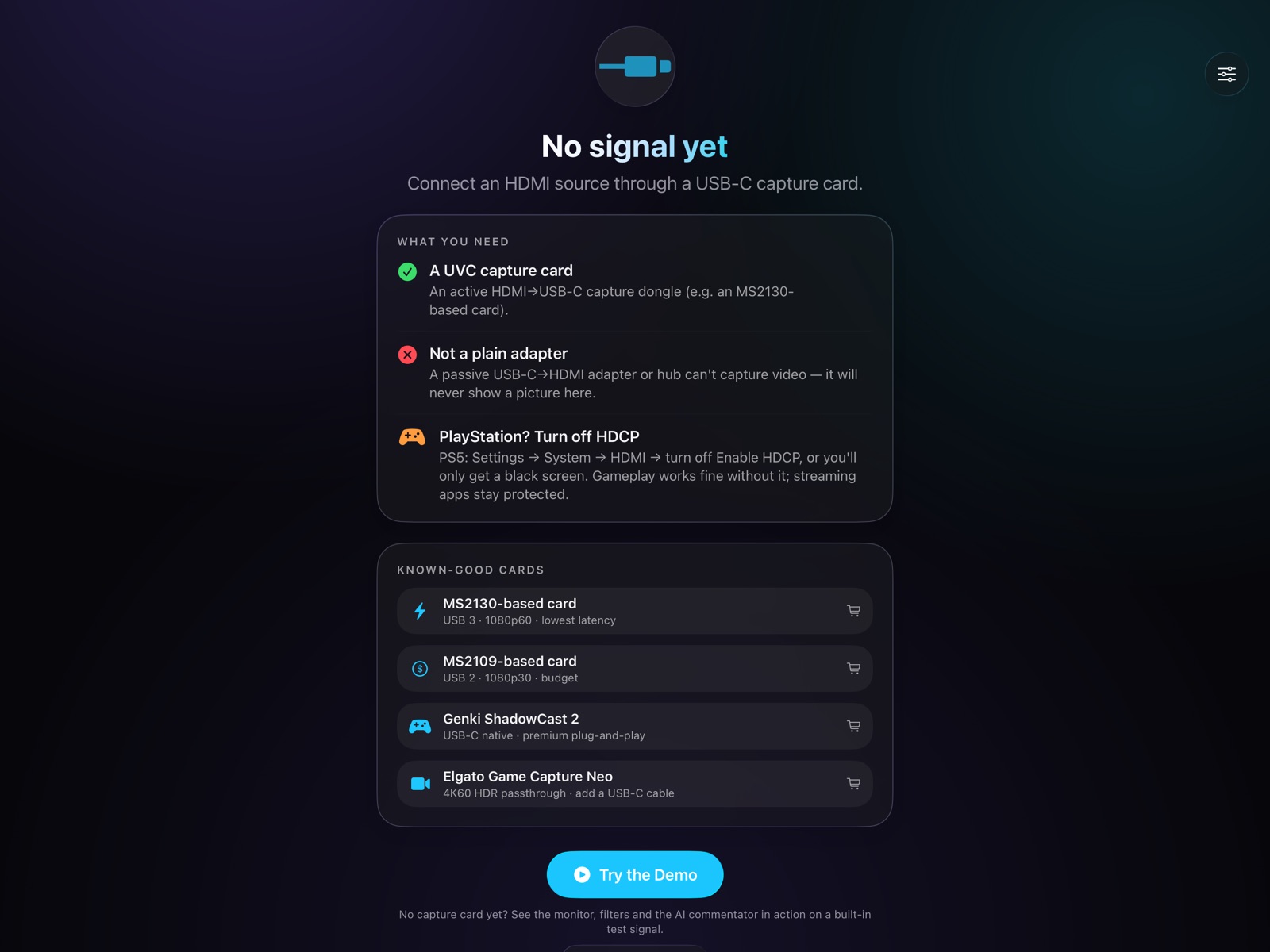
The no-signal screen listing what hardware is needed and known-good capture cards
An honest setup screen: what you need, what will never work, and the cards we know are good.
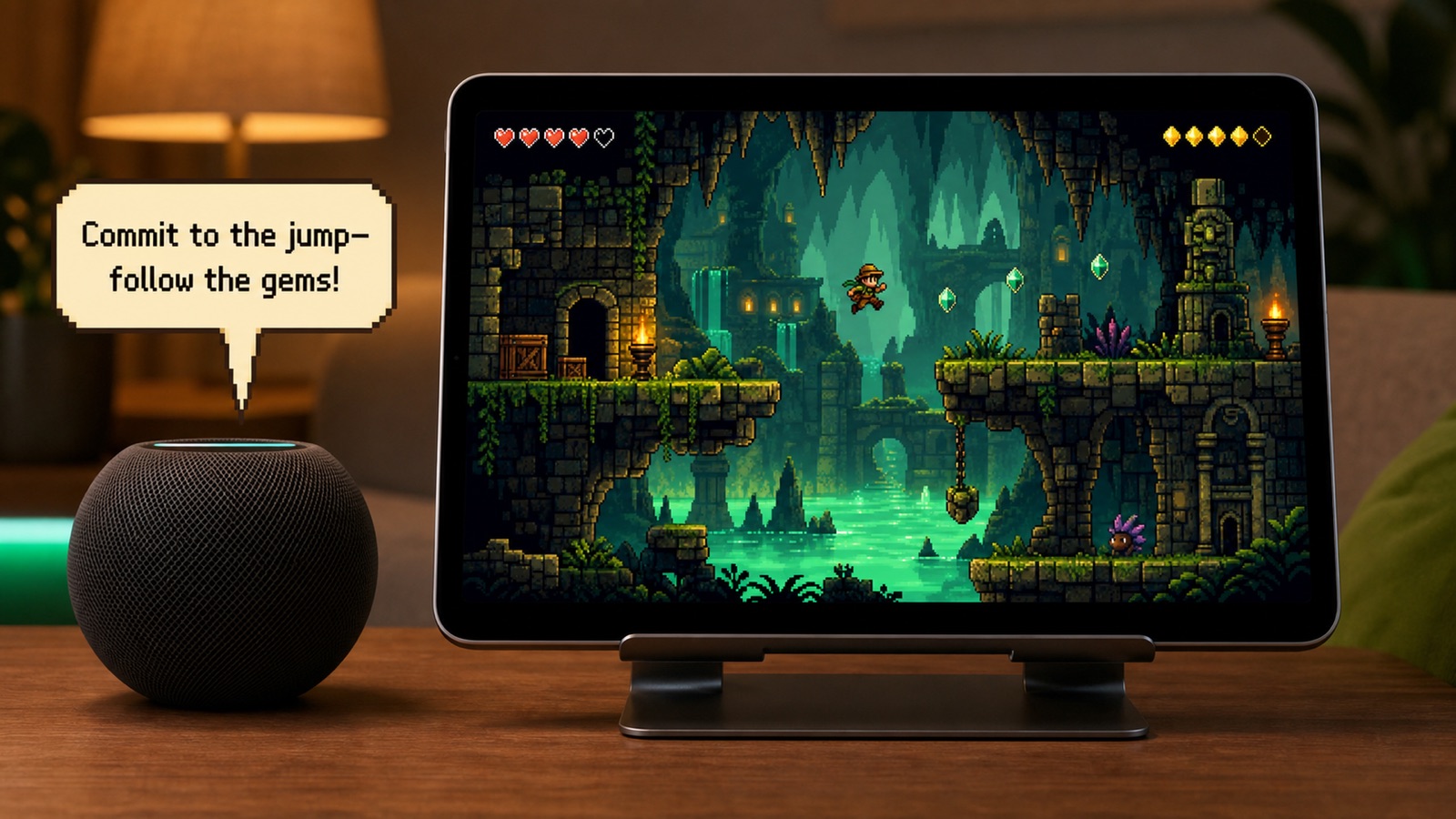
A retro platformer on an iPad with the commentator giving coaching tips
No capture card yet? A built-in demo signal runs the whole app — monitor, filters and commentator — before you buy any hardware.

Community

Help shape PadMonitor: HDMI Monitor

Suggest features, report bugs, upvote what matters. Members shape every byteNine release.

Loading…