Lab Results with AI Insights
Understand your lab results with AI-powered explanations.
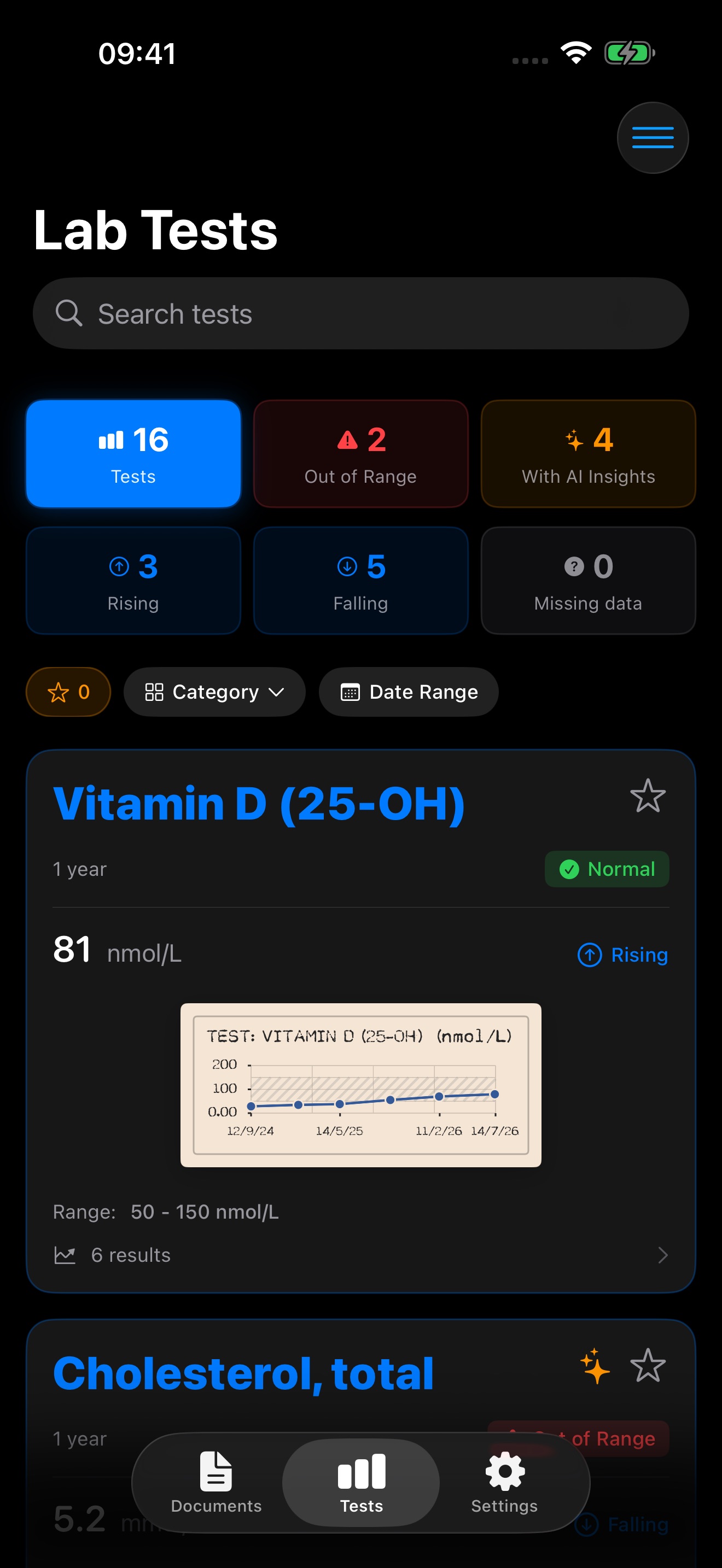
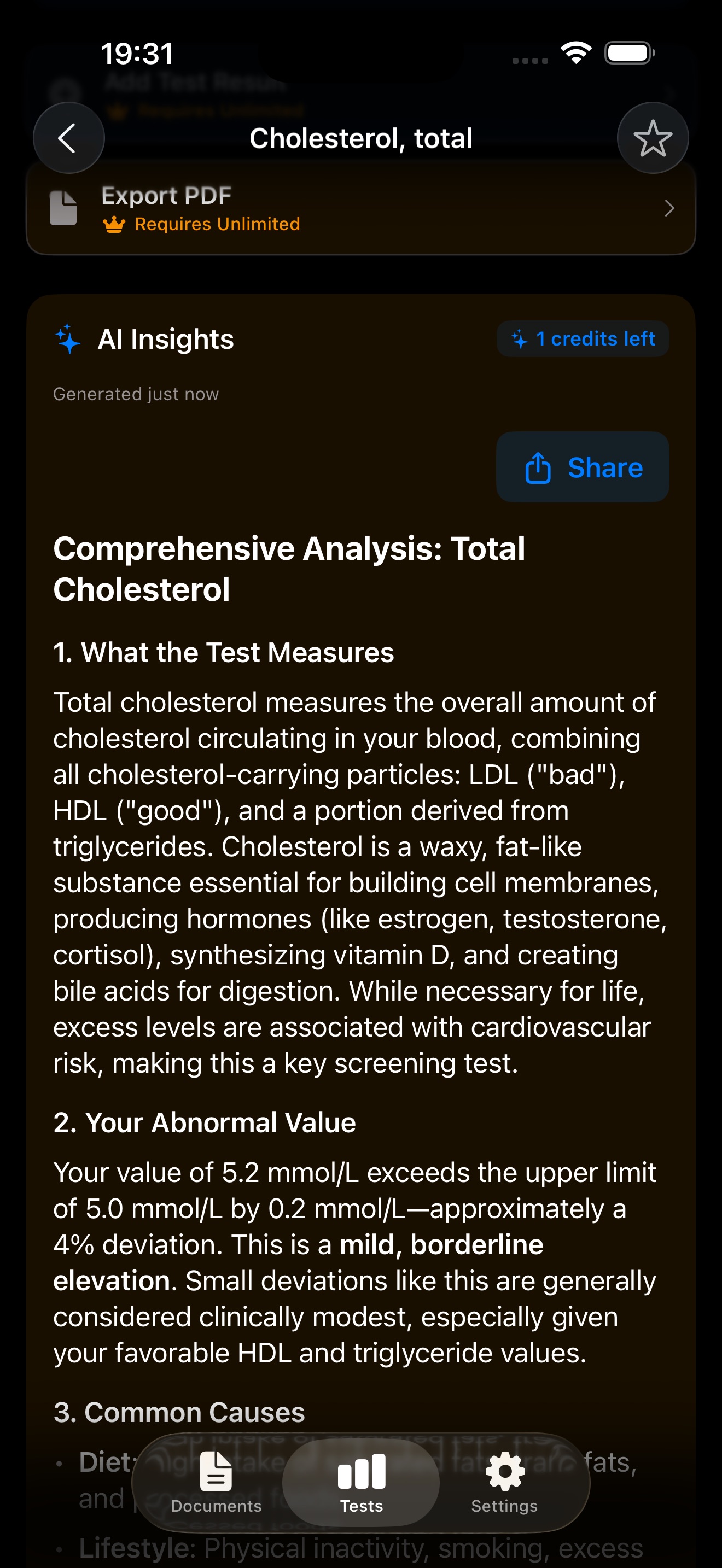
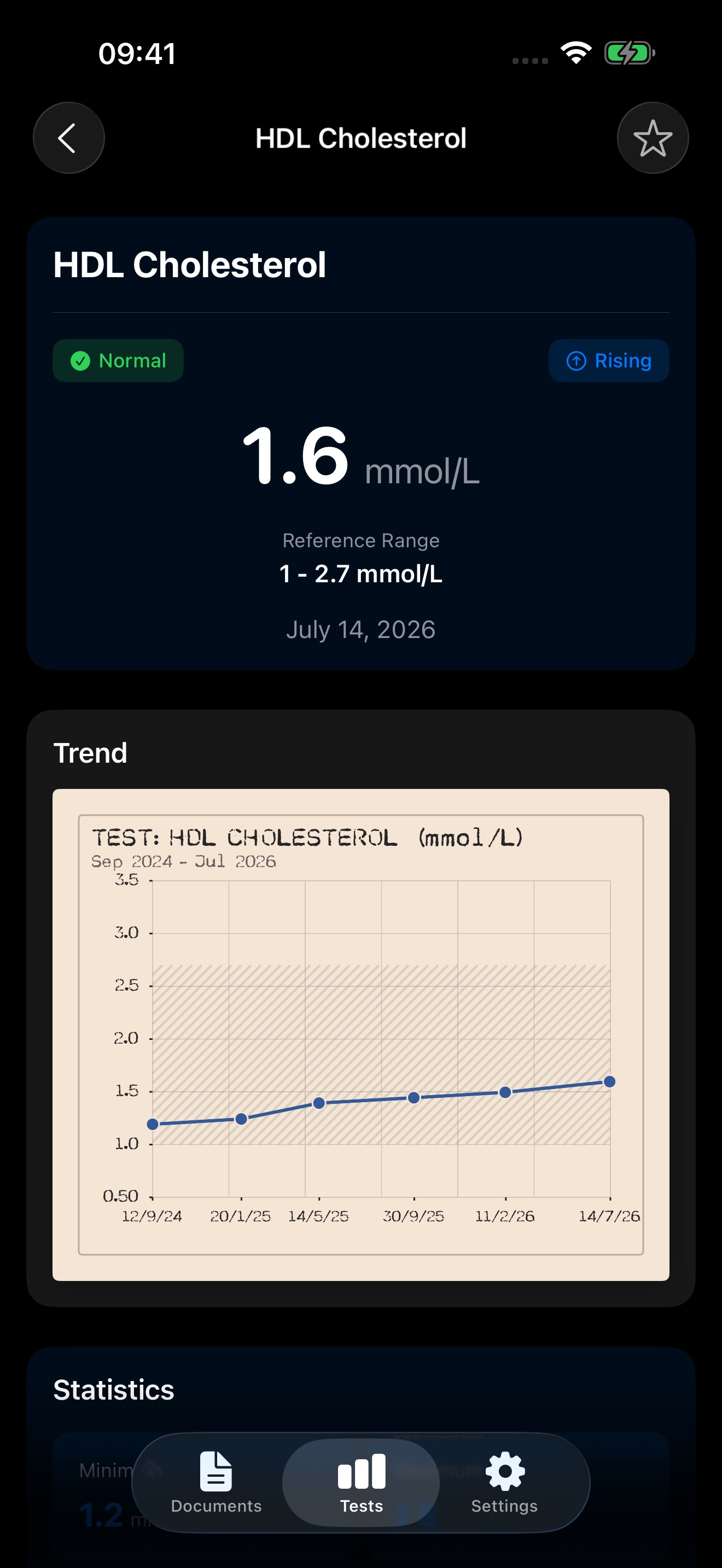
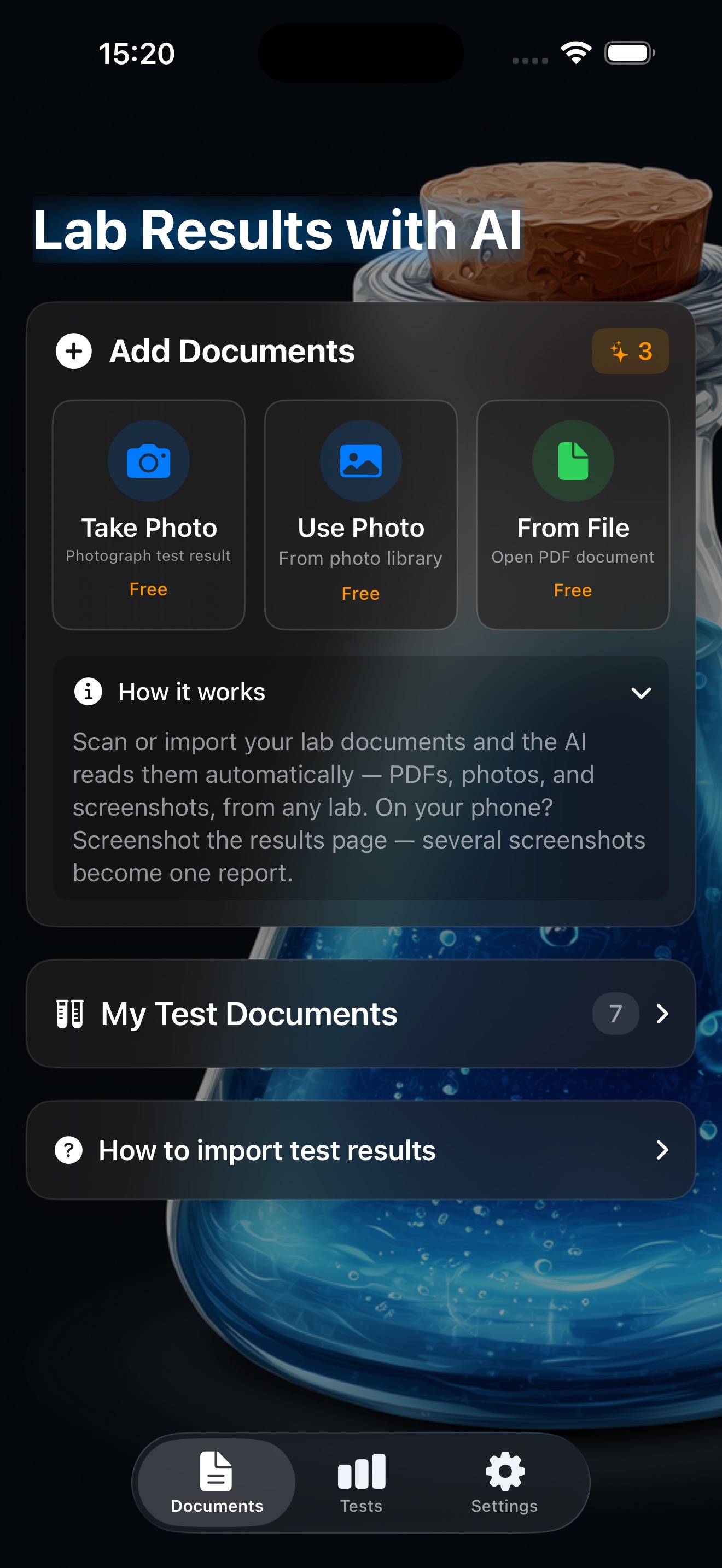
Import a lab report as a PDF, a photo or a screenshot and AI reads it off the page — test names, values, reference ranges — from any laboratory. Ask for an explanation of any marker and get it in plain language, with the trend across every report you have imported and the other values from the same panel for context. Trends say which way a number moved and leave the judgement of whether that is good to the explanation, because that depends on the analyte and on you. Charts are drawn in the style of a 1949 medical record. Importing and tracking are always free; explanations cost a credit, or go Unlimited. Blood glucose exports to Apple Health. English, Norwegian and Spanish. Not a substitute for medical advice. iOS 18+.
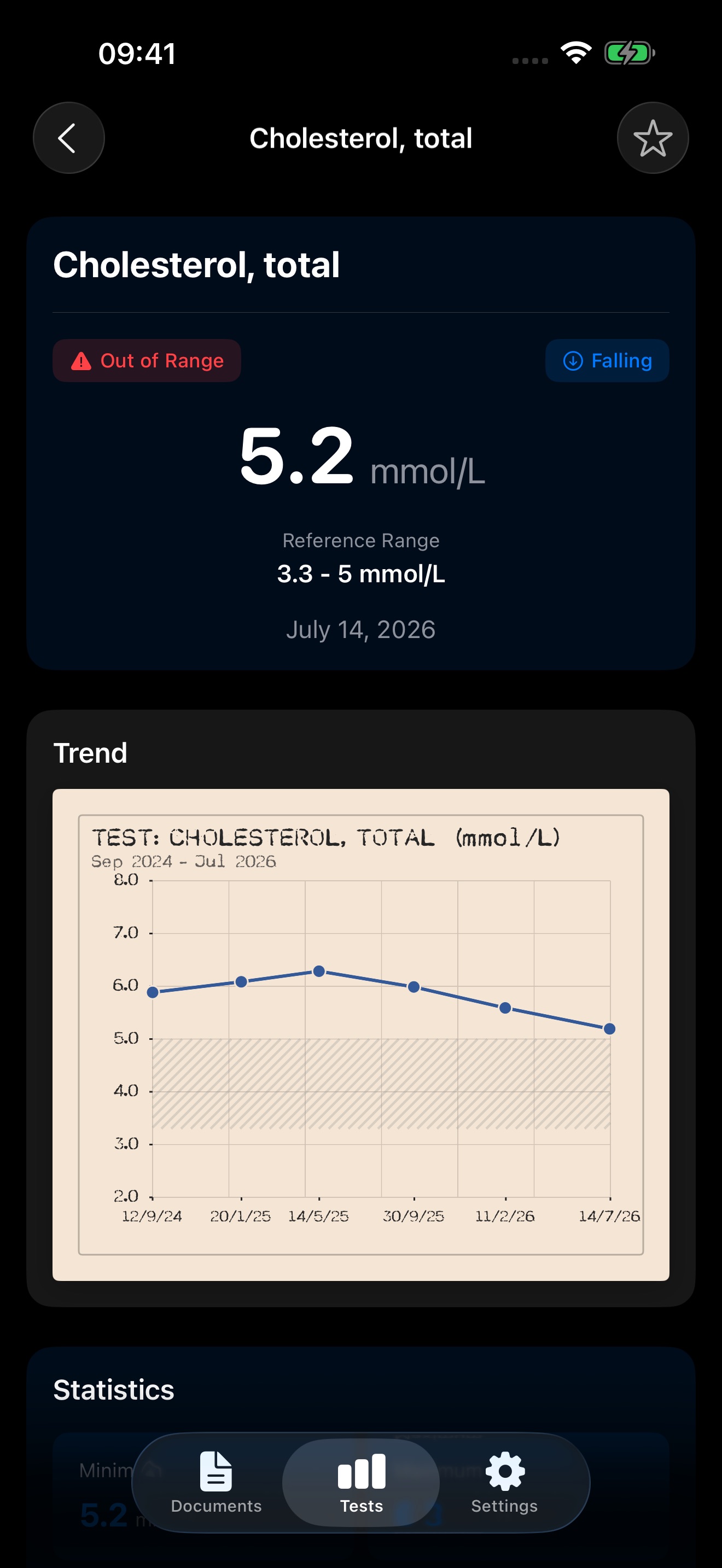
A closer look
Lab Results with AI Insights in use, screen by screen.
Community
Help shape Lab Results with AI Insights
Suggest features, report bugs, upvote what matters. Members shape every byteNine release.
Loading…